Academic MCP for Claude
Add one connector in Claude.ai, or run one command in Claude Code, and Claude can check references, search papers and draw figures from real sources.
How to connect ScholarMuse to Claude
Claude.ai uses a custom connector; Claude Code uses one command. In Claude Code you can also paste “Read https://scholarmuse.ai/install/agent.md and follow the instructions to connect ScholarMuse” and let it do the setup.
Step 1
Claude.ai: add a custom connector
Open Settings → Connectors, choose Add custom connector and paste this address.
https://scholarmuse.ai/mcpStep 2
Claude Code: run one command
Run this in a terminal. Then type /mcp in Claude Code, select scholarmuse and choose Authenticate.
claude mcp add --transport http --scope user scholarmuse https://scholarmuse.ai/mcpStep 3
Approve in your browser
A scholarmuse.ai window opens. Sign in, approve access and choose which discipline packs Claude may use. There is no API key to create or paste.
Step 4
Check that it works
Ask Claude to list the ScholarMuse capabilities and show three things it can now do for your research. A restart of the client may be needed before the tools appear.
What Claude can do once connected
Claude is mostly used for reading and writing, so the list starts with the checks a draft needs and the figures that go with it.
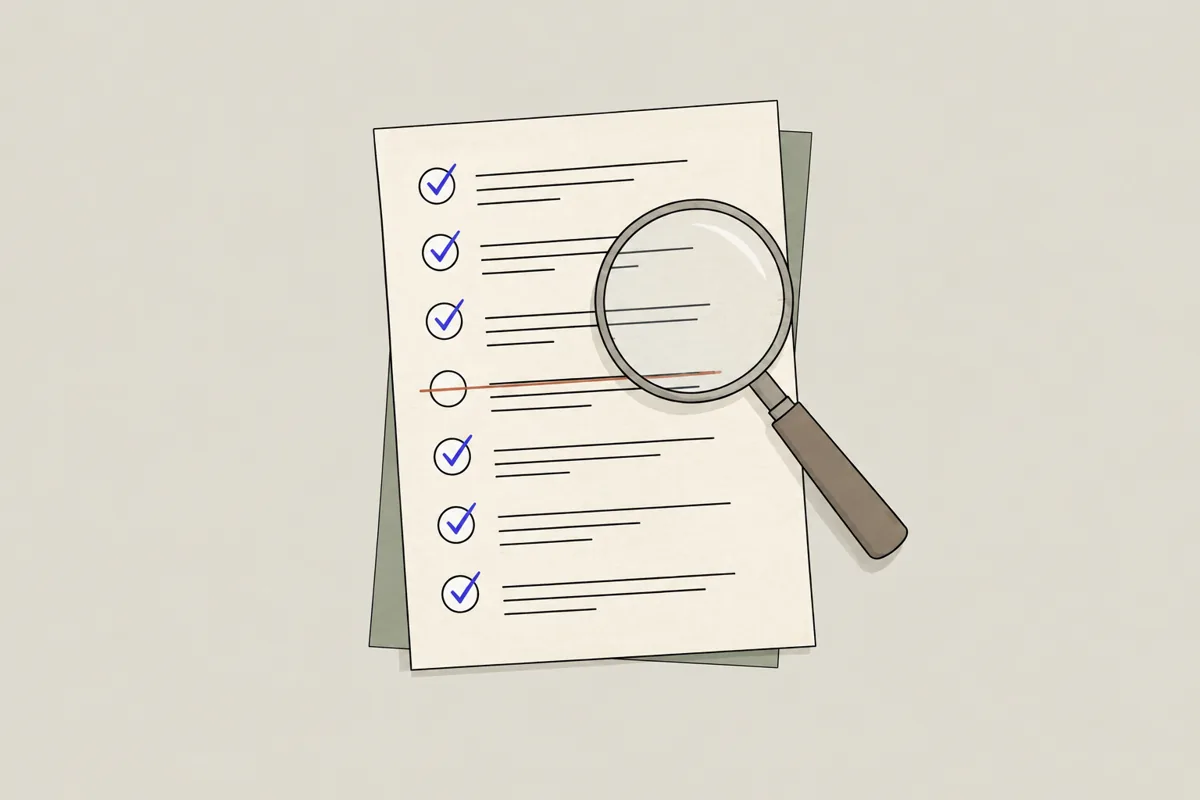
Verify references
All disciplines · Crossref, OpenAlex
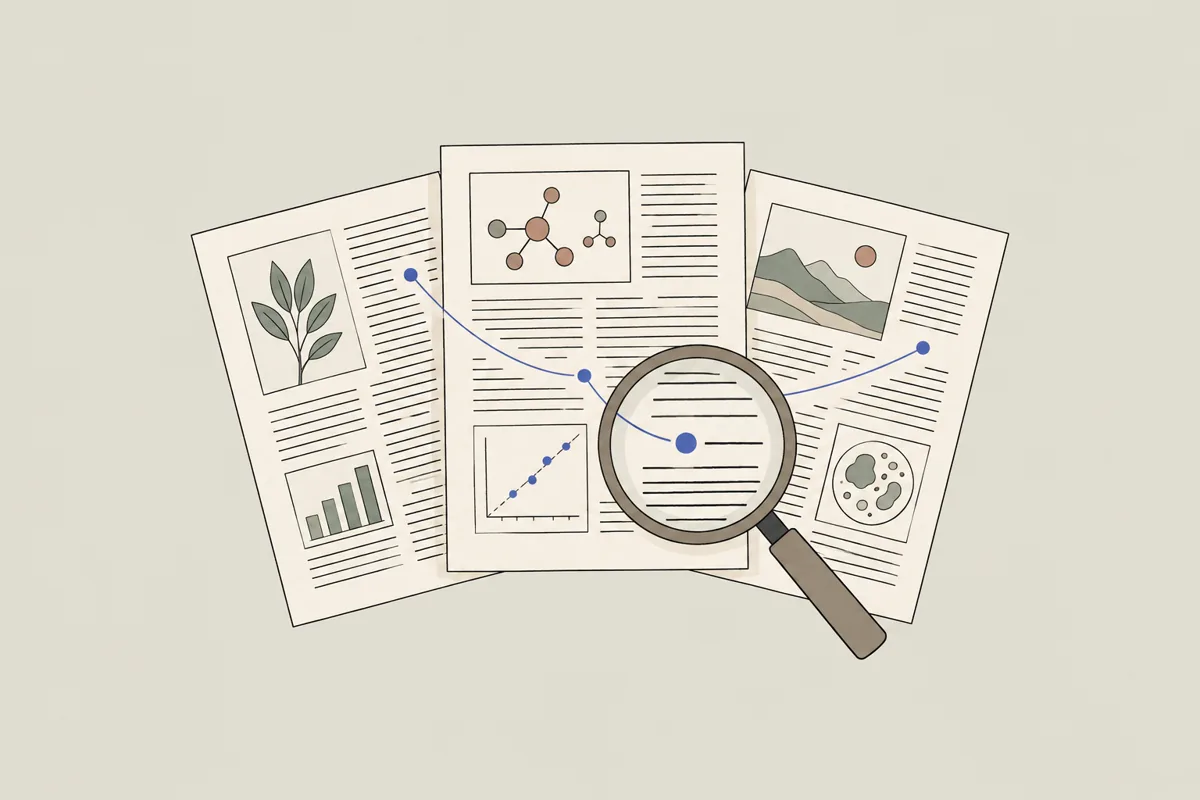
Search papers
All disciplines · OpenAlex, PubMed / Europe PMC, arXiv +5

Retraction checker
All disciplines · Retraction Watch, Crossref

Scientific figure maker
All disciplines · Best-in-class figure model
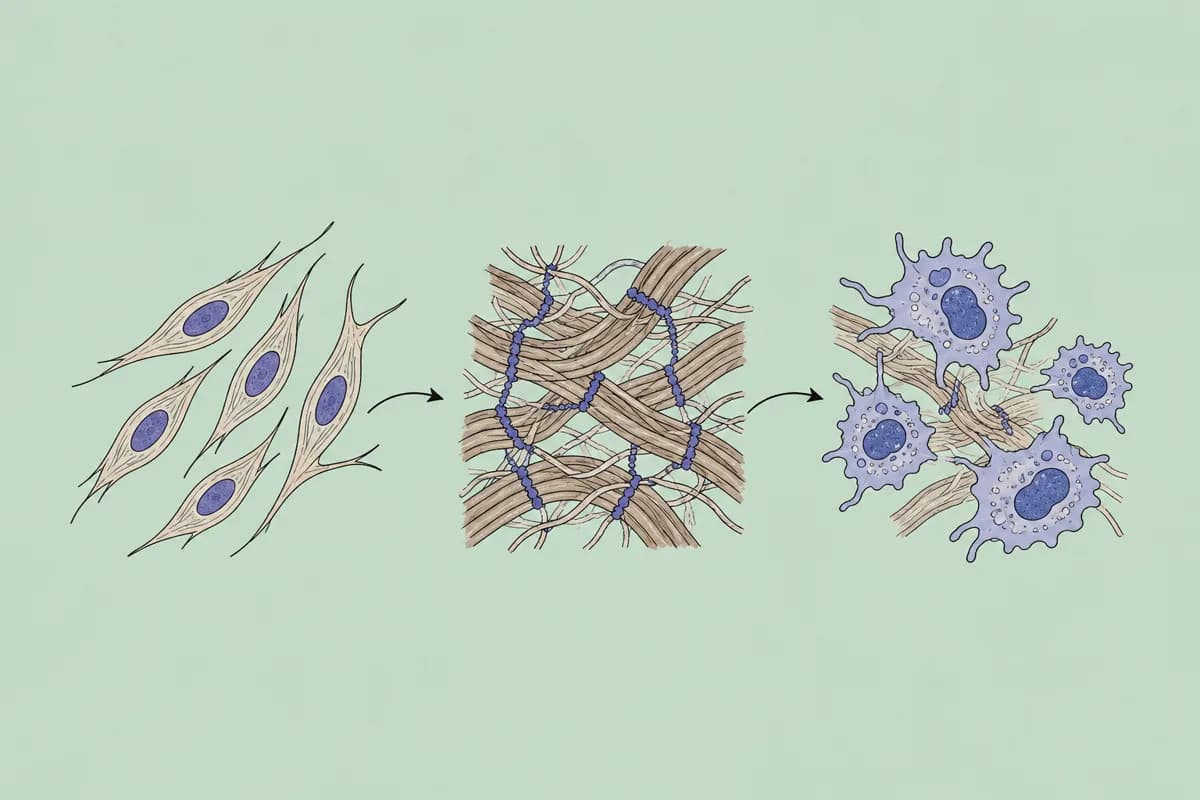
Graphical abstract maker
All disciplines · Best-in-class figure model
Journal checker
All disciplines · OpenAlex, DOAJ

Find funded grants
All disciplines · NIH RePORTER, NSF Awards, UKRI Gateway to Research
- Verify references
- Paste a reference list into the chat and Claude checks each entry against Crossref, OpenAlex and PubMed.
- Search papers
- Claude cites records it has looked up, with DOIs, rather than recalling titles from memory.
- Retraction checker
- A quick pass over the DOIs in a draft before you send it.
- Scientific figure maker
- Describe the mechanism or workflow in the conversation and revise the figure in plain words.
- Graphical abstract maker
- Give Claude your abstract and ask for a one-panel visual summary.
- Journal checker
- Ask about a journal while you decide where to submit.
- Find funded grants
- Have Claude read funded abstracts next to your draft aims.
Things to ask Claude
Verify references
You say to your agent
Use ScholarMuse to check the reference list in the document I attached. Mark anything you cannot find and fix wrong DOIs.
Search papers
You say to your agent
Find ten recent papers on perovskite solar cell stability and summarise what each one measured. Cite DOIs.
Scientific figure maker
You say to your agent
Turn the methods paragraph above into a workflow figure with four steps, left to right, white background.
Frequently asked questions
Ready to make your agent a better scholar?
Connect once. Papers, data and figures from 50+ sources, in the agent you already use.
Works with compatible AI agents
Data from OpenAlex · Crossref · PubMed · arXiv · NIH · UniProt · PDB · PubChem · NASA · World Bank · USGS · GBIF and more