Research tools for Kimi Code
Add ScholarMuse with /mcp-config and log in from the same prompt. Kimi Code can then find the paper you want to reproduce and fetch the catalogues and observations its analysis needs.
How to connect ScholarMuse to Kimi Code
The steps follow the Kimi Code documentation and cover the terminal agent and the VS Code extension. Kimi Code runs shell commands and fetches web pages, so pasting “Read https://scholarmuse.ai/install/agent.md and follow the instructions to connect ScholarMuse” should also work.
Step 1
Terminal: add the server
Type /mcp-config in Kimi Code and add the server there, or put this in ~/.kimi-code/mcp.json and keep any entries that are already there. An entry with a url and no transport is treated as Streamable HTTP, which is what ScholarMuse uses.
{
  "mcpServers": {
    "scholarmuse": {
      "url": "https://scholarmuse.ai/mcp"
    }
  }
}
Step 2
Terminal: log in
Run this inside Kimi Code. It starts the browser authorization for the server you just added.
/mcp-config login scholarmuseStep 3
VS Code extension: add an http server
Click the gear icon, open MCP Servers, choose the type http and enter this address. Then use the authorize button next to the server.
https://scholarmuse.ai/mcpStep 4
Approve in your browser
A scholarmuse.ai window opens. Sign in, approve access and choose which discipline packs Kimi Code may use. There is no API key to create or paste.
Step 5
Check that it works
Ask Kimi Code to list the ScholarMuse capabilities and show three things it can now do for your research. If the tools do not appear, restart Kimi Code and ask again.
What Kimi Code can use to reproduce a result
Ordered the way a reproduction goes: find the paper and its data first, then the catalogues and observation series from astronomy and earth science, then a last check before the notebook is shared.
Search papers
All disciplines · OpenAlex, PubMed / Europe PMC, arXiv +5
Find datasets
All disciplines · DataCite, Zenodo, Dryad +2
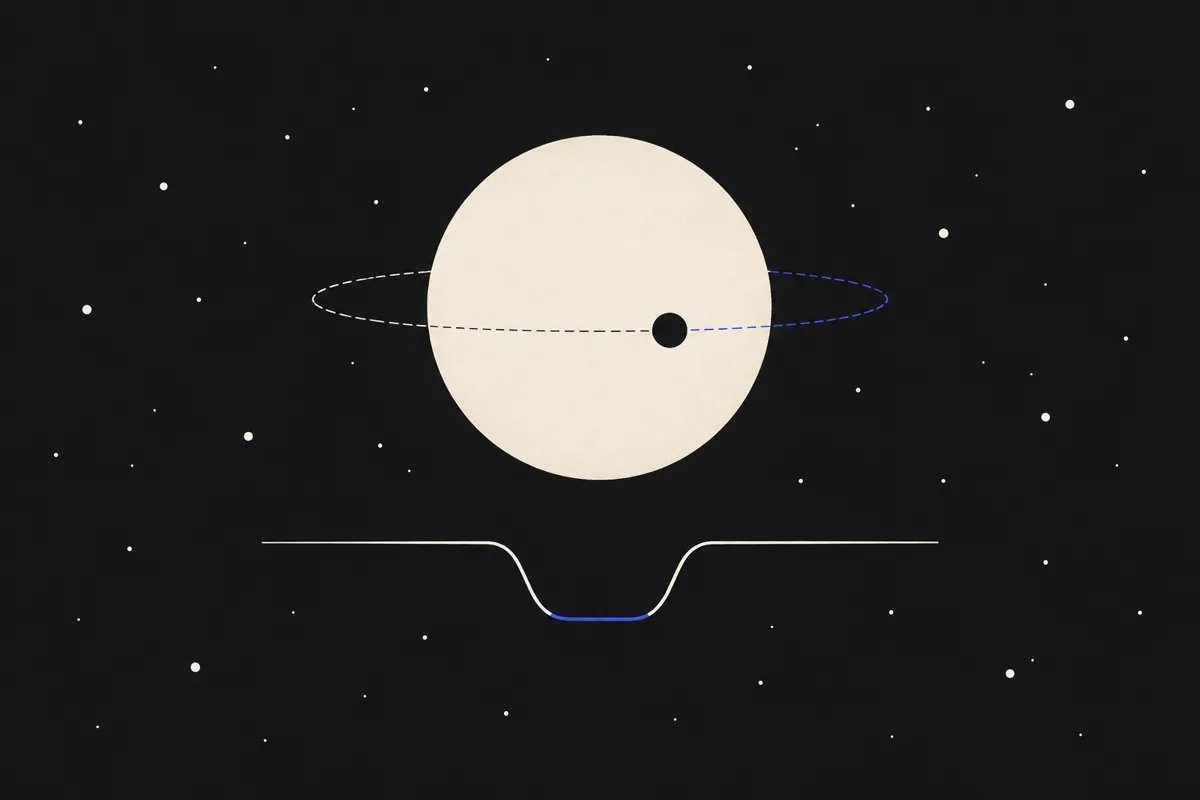
Exoplanets & stars
Astronomy · NASA Exoplanet Archive, Gaia Archive, SIMBAD
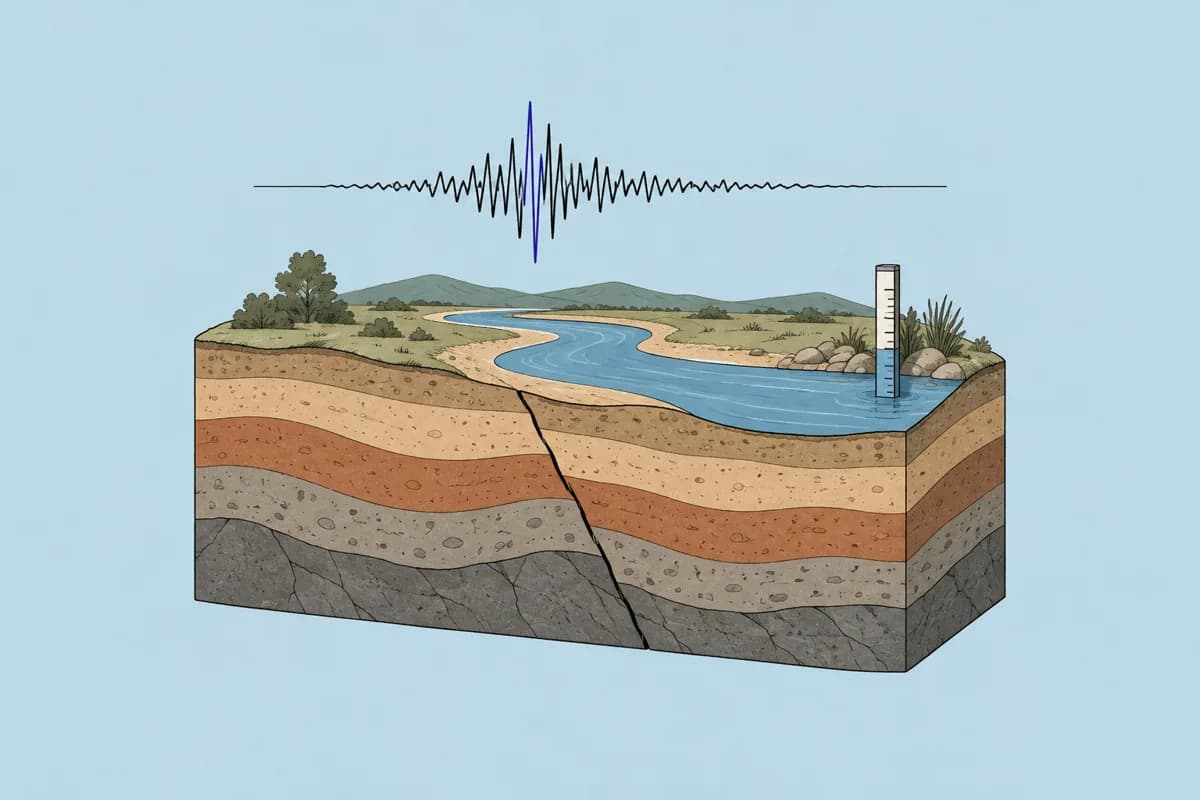
Earthquake & water data
Earth & environment · USGS
 New
NewHistorical weather data for any place
Earth & environment · NASA POWER
Compounds & materials
Chemistry & materials · PubChem, ChEBI, Materials Project +2
Economic & social statistics
All disciplines · FRED, World Bank, IMF +5

Retraction checker
All disciplines · Retraction Watch, Crossref
- Search papers
- Start from the paper itself: its record, DOI and an open-access copy where one exists, so Kimi Code works from the published method.
- Find datasets
- Check whether the authors deposited their data, and under which licence, before rebuilding it from raw sources.
- Exoplanets & stars
- Query the NASA Exoplanet Archive and the Gaia catalogue for the sample a figure was drawn from.
- Earthquake & water data
- USGS earthquakes around a point for a chosen period (up to 200 events per call), or discharge at a stream gauge, as the raw table of a geoscience plot.
- Historical weather data for any place
- Daily temperature, precipitation and solar radiation at given coordinates, for trend estimates and forcing data.
- Compounds & materials
- Reference values for compounds and crystals to compare with the numbers your own calculation produces.
- Economic & social statistics
- Official economic and social series when the result to reproduce is an empirical table.
- Retraction checker
- Run the DOIs cited in a notebook or README through a retraction check before you publish the repository.
Things to ask Kimi Code
Search papers
You say to your agent
Use ScholarMuse to find the 2017 paper by Fulton and colleagues that reported a gap in the radius distribution of small planets. Give me its DOI and an open-access link, and summarise the sample cuts in notes/method.md.
Exoplanets & stars
You say to your agent
Query the NASA Exoplanet Archive for planets within 100 parsecs with radii below 4 Earth radii. Save the table as data/planets.csv and plot the radius histogram on a log axis.
Earthquake & water data
You say to your agent
Get the earthquakes of magnitude 6 and above within 300 km of 38.3 N, 142.4 E during March 2011, and plot magnitude against time to show the aftershock sequence.
Frequently asked questions
Ready to make your agent a better scholar?
Connect once. Papers, data and figures from 50+ sources, in the agent you already use.
Works with compatible AI agents
Data from OpenAlex · Crossref · PubMed · arXiv · NIH · UniProt · PDB · PubChem · NASA · World Bank · USGS · GBIF and more