AI tools for postdocs
Papers and a first grant at the same time: see what funders have supported in your area, check a journal before you submit, and keep references and figures in order.
Capabilities for the next paper and the next grant
A postdoc is usually writing papers and a fellowship or first grant at the same time, so funding comes first here and journal choice sits next to it.

Find funded grants
All disciplines · NIH RePORTER, NSF Awards, UKRI Gateway to Research

Journal checker
All disciplines · OpenAlex, DOAJ
Search papers
All disciplines · OpenAlex, PubMed / Europe PMC, arXiv +5
Verify references
All disciplines · Crossref, OpenAlex

Scientific figure maker
All disciplines · Best-in-class figure model
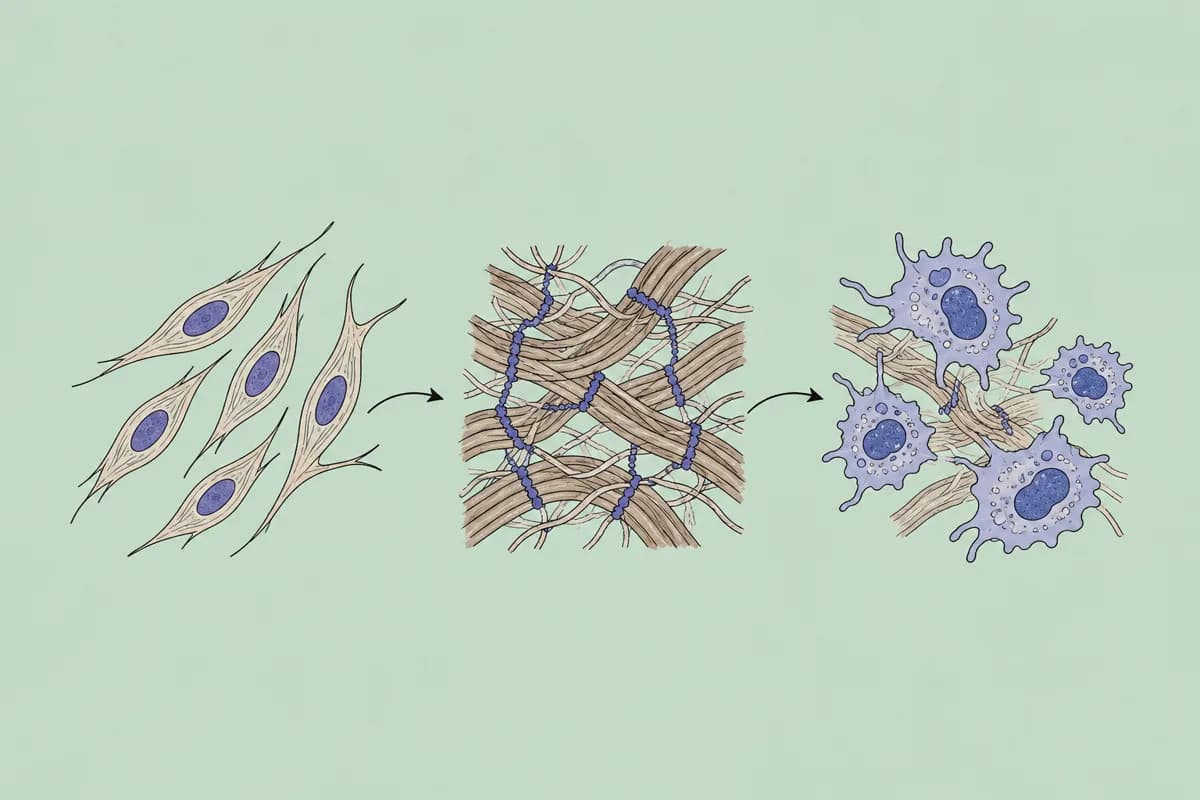
Graphical abstract maker
All disciplines · Best-in-class figure model
Find datasets
All disciplines · DataCite, Zenodo, Dryad +2
- Find funded grants
- See which projects in your area were funded, who holds them and how large the awards are, before you write your own aims.
- Journal checker
- Compare candidate journals on open-access status, DOAJ listing and publication charges.
- Search papers
- Keep up with a field that moves between submission and revision, preprints included.
- Verify references
- Check the reference list of a manuscript or proposal before it goes out.
- Scientific figure maker
- A schematic of the proposed work for the research plan, or a mechanism figure for the paper.
- Graphical abstract maker
- One-panel summaries for journals that require them.
- Find datasets
- Existing data that can serve as preliminary evidence for a proposal.
Requests from a postdoc
Find funded grants
You say to your agent
List NIH K99/R00 awards on tumour immunology funded since 2022, with PI, institution and total amount.
Journal checker
You say to your agent
I am choosing between three journals for this manuscript. For each, tell me whether it is open access, listed in DOAJ, and what it charges.
Scientific figure maker
You say to your agent
Draw a schematic of my three research aims for a fellowship application: aim 1 feeds aims 2 and 3. White background, few colours.
Why an agent, not another app?
You already write and think with Claude or ChatGPT. There is no other app to switch to: you add academic data tools to the agent you have.
Over MCP (Model Context Protocol) the agent queries academic databases directly, and the records it gets back carry their source and licence, so you can check them.
Frequently asked questions
Ready to make your agent a better scholar?
Connect once. Papers, data and figures from 50+ sources, in the agent you already use.
Works with compatible AI agents
Data from OpenAlex · Crossref · PubMed · arXiv · NIH · UniProt · PDB · PubChem · NASA · World Bank · USGS · GBIF and more