Research tools for Gemini CLI
Run gemini mcp add once, then /mcp auth. Gemini CLI can then pull weather records, earthquake catalogues, star and exoplanet tables and open datasets from the terminal.
How to connect ScholarMuse to Gemini CLI
One command in a terminal and one command inside Gemini CLI. You can also paste “Read https://scholarmuse.ai/install/agent.md and follow the instructions to connect ScholarMuse” into Gemini CLI and let it run the first command.
Step 1
Add the server
Run this in a terminal. With --scope user the entry is saved in ~/.gemini/settings.json and applies in every folder; without it, Gemini CLI saves the entry for the current project only.
gemini mcp add --transport http --scope user scholarmuse https://scholarmuse.ai/mcpStep 2
Start the sign-in
Start gemini and type this command. It begins the browser sign-in for the server you just added.
/mcp auth scholarmuseStep 3
Approve in your browser
A scholarmuse.ai window opens. Sign in, approve access and choose which discipline packs Gemini CLI may use. There is no API key to create or paste.
Step 4
Check that it works
Type /mcp to see the server and its tools, then ask Gemini CLI to list the ScholarMuse capabilities.
What Gemini CLI can fetch once connected
Gemini CLI runs in a terminal beside your scripts, so the list leads with observational data from earth science and astronomy that goes straight into an analysis.
 New
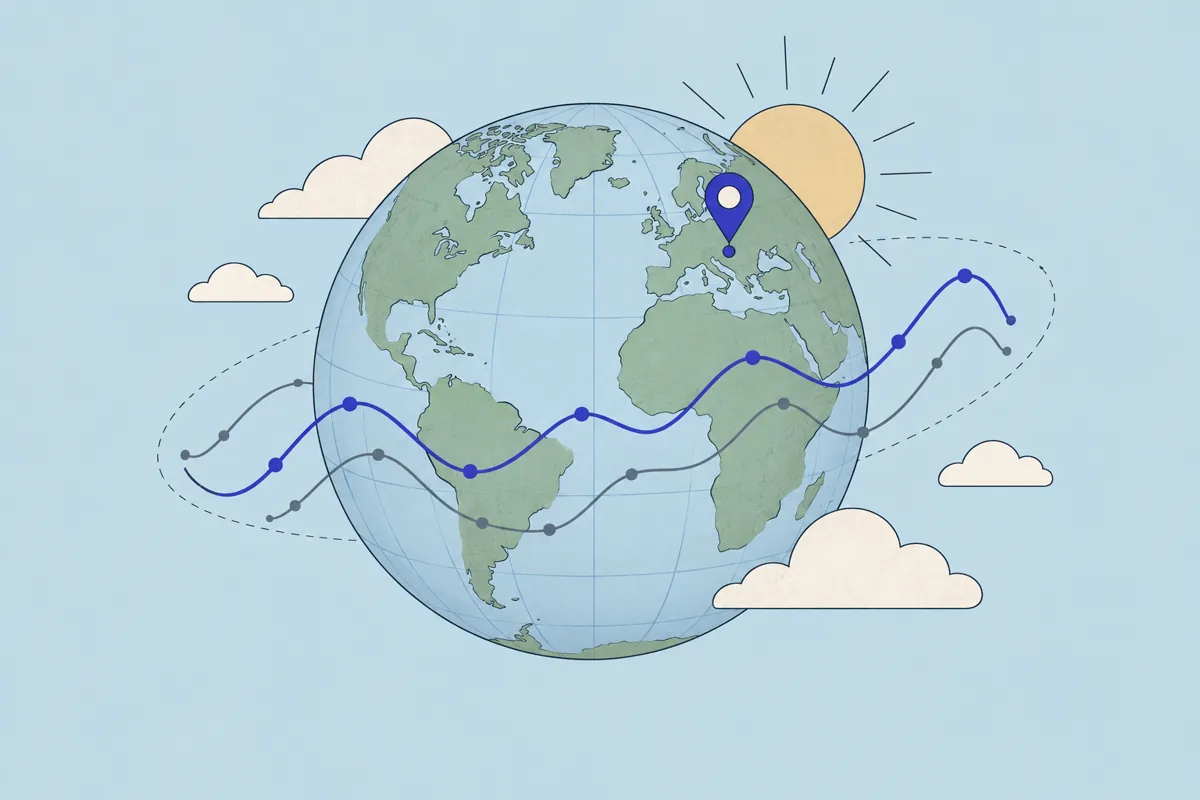
NewHistorical weather data for any place
Earth & environment · NASA POWER
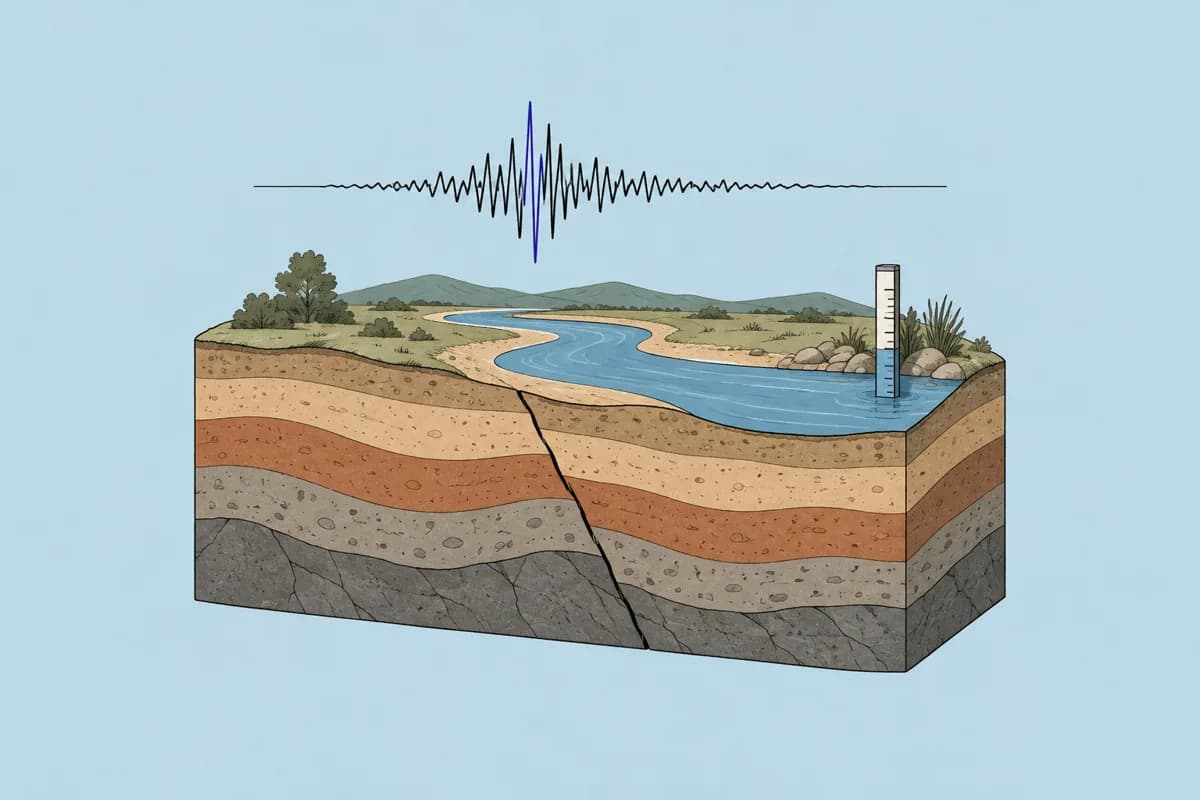
Earthquake & water data
Earth & environment · USGS
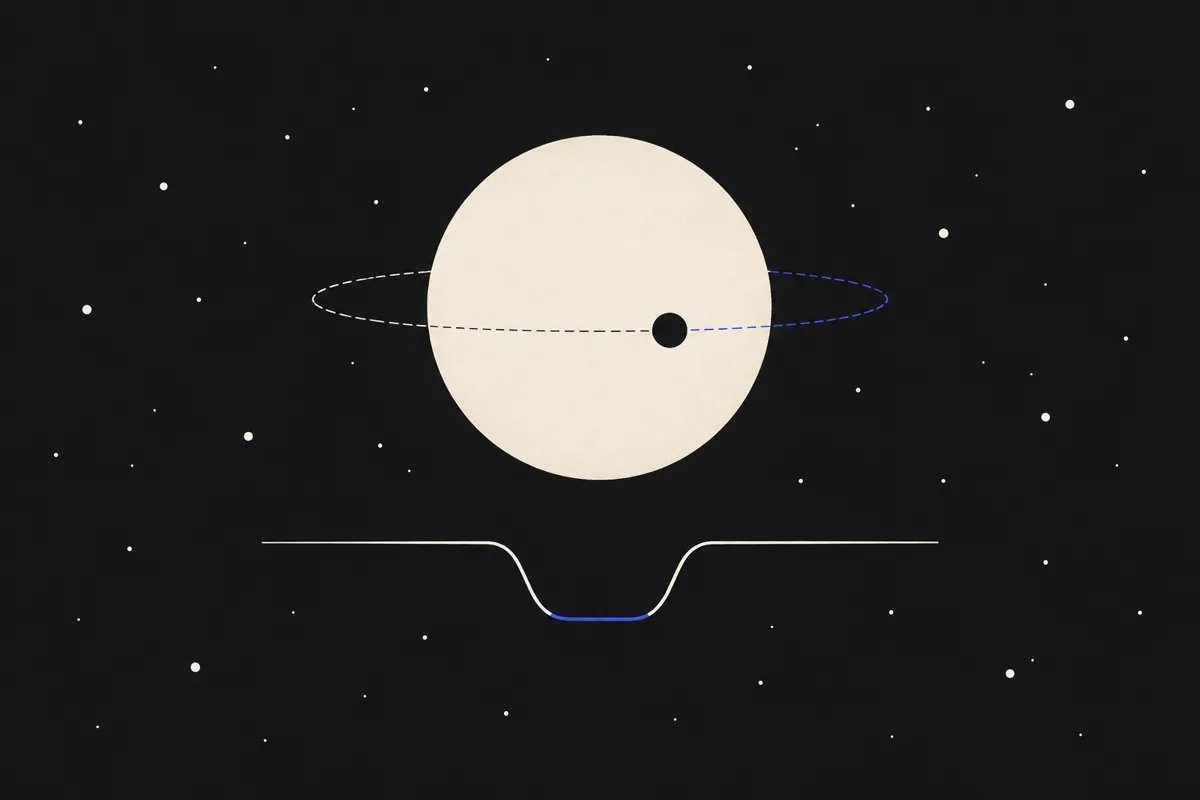
Exoplanets & stars
Astronomy · NASA Exoplanet Archive, Gaia Archive, SIMBAD

Species occurrence
Earth & environment · GBIF
Find datasets
All disciplines · DataCite, Zenodo, Dryad +2
Economic & social statistics
All disciplines · FRED, World Bank, IMF +5

Search papers
All disciplines · OpenAlex, PubMed / Europe PMC, arXiv +5
- Historical weather data for any place
- Daily temperature, precipitation, wind and solar radiation for a field site, by coordinates, back to 1981.
- Earthquake & water data
- A USGS event list for a region and magnitude range, or the readings of a stream gauge, without writing the query by hand.
- Exoplanets & stars
- Tables from the NASA Exoplanet Archive and the Gaia catalogue, selected by the criteria you state in a sentence.
- Species occurrence
- GBIF occurrence records to set beside climate data for the same area.
- Find datasets
- When no live source covers your question, search the data repositories for a published dataset with a licence you can use.
- Economic & social statistics
- Official series for the human side of an environmental study, such as population or energy use.
- Search papers
- Check how published studies handled the same data before you settle on a method.
Things to ask Gemini CLI
Earthquake & water data
You say to your agent
Use ScholarMuse to list M4.5+ earthquakes within 200 km of Kathmandu from 2015 to 2025, save them as quakes.csv and print the count per year.
Exoplanets & stars
You say to your agent
From the NASA Exoplanet Archive, get confirmed planets with both mass and radius measured, and write a Python script that plots the mass–radius diagram.
Historical weather data for any place
You say to your agent
Get daily precipitation for 1.29 S, 36.82 E from 1991 to 2020 and compute the mean rainfall for each calendar month.
Frequently asked questions
Ready to make your agent a better scholar?
Connect once. Papers, data and figures from 50+ sources, in the agent you already use.
Works with compatible AI agents
Data from OpenAlex · Crossref · PubMed · arXiv · NIH · UniProt · PDB · PubChem · NASA · World Bank · USGS · GBIF and more