Research tools for CodeBuddy
One codebuddy mcp add command in CodeBuddy Code, or one entry in the MCP tab of CodeBuddy IDE. After a browser sign-in, CodeBuddy can fetch statistics, datasets and discipline records for your scripts.
How to connect ScholarMuse to CodeBuddy
CodeBuddy Code takes one command; CodeBuddy IDE takes one entry in its MCP tab. CodeBuddy Code can run shell commands, so pasting “Read https://scholarmuse.ai/install/agent.md and follow the instructions to connect ScholarMuse” into it should also work. These steps follow the CodeBuddy documentation.
Step 1
CodeBuddy Code: run one command
Run this in a terminal. It adds ScholarMuse to your user configuration, the file ~/.codebuddy/.mcp.json, so it is available in every project.
codebuddy mcp add --scope user --transport http scholarmuse https://scholarmuse.ai/mcpStep 2
CodeBuddy IDE: add an MCP entry
Open CodeBuddy Settings at the top right of the chat panel, go to the MCP tab, choose Add MCP and paste this JSON.
{
  "mcpServers": {
    "scholarmuse": {
      "type": "http",
      "url": "https://scholarmuse.ai/mcp"
    }
  }
}
Step 3
Start the sign-in
In CodeBuddy Code, type /mcp to see the server status and authorize scholarmuse from there.
Step 4
Approve in your browser
A scholarmuse.ai window opens. Sign in, approve access and choose which discipline packs CodeBuddy may use. There is no API key to create or paste.
Step 5
Check that it works
Type /mcp again and check that scholarmuse shows as connected, then ask CodeBuddy to list the ScholarMuse capabilities.
What CodeBuddy can pull into your project
CodeBuddy works in a terminal or an editor, close to your scripts. The list favours records that end up as files in the project: series, dataset metadata, structures, catalogues and trial registrations.
Economic & social statistics
All disciplines · FRED, World Bank, IMF +5
Find datasets
All disciplines · DataCite, Zenodo, Dryad +2
Search papers
All disciplines · OpenAlex, PubMed / Europe PMC, arXiv +5
Protein structures
Life sciences & medicine · RCSB PDB, AlphaFold DB
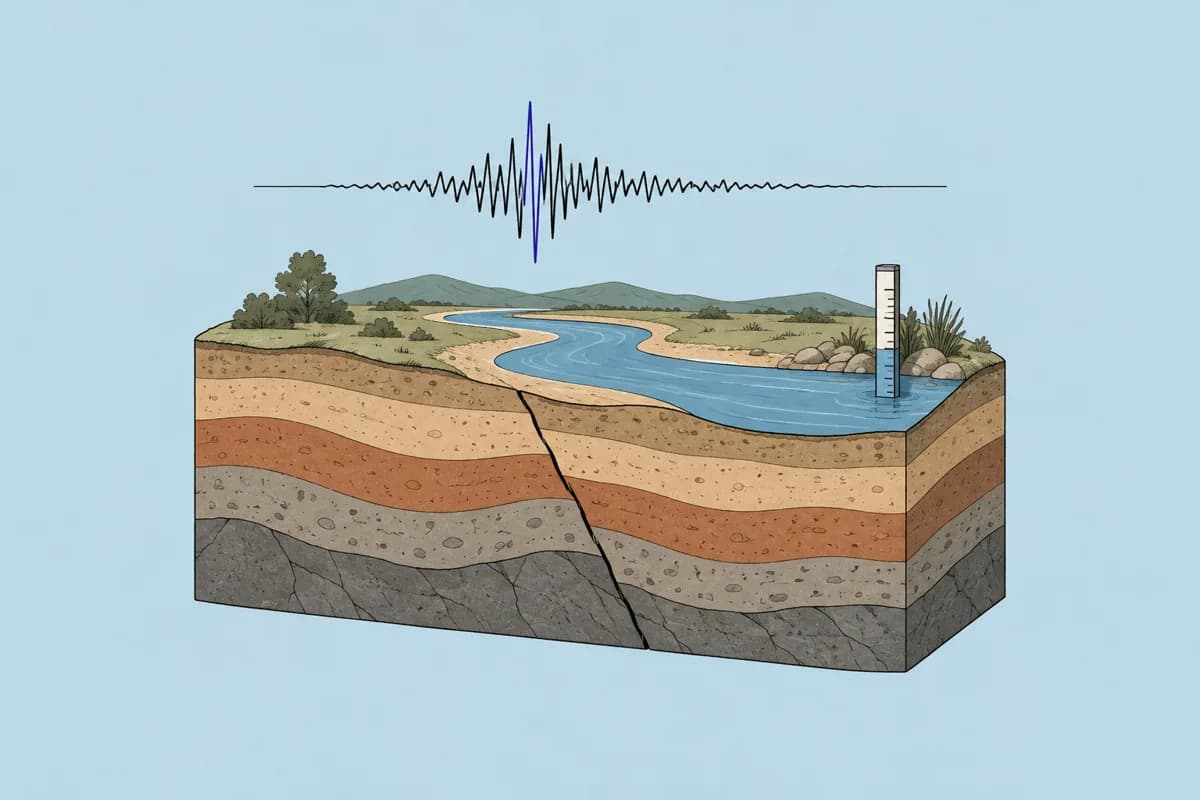
Earthquake & water data
Earth & environment · USGS
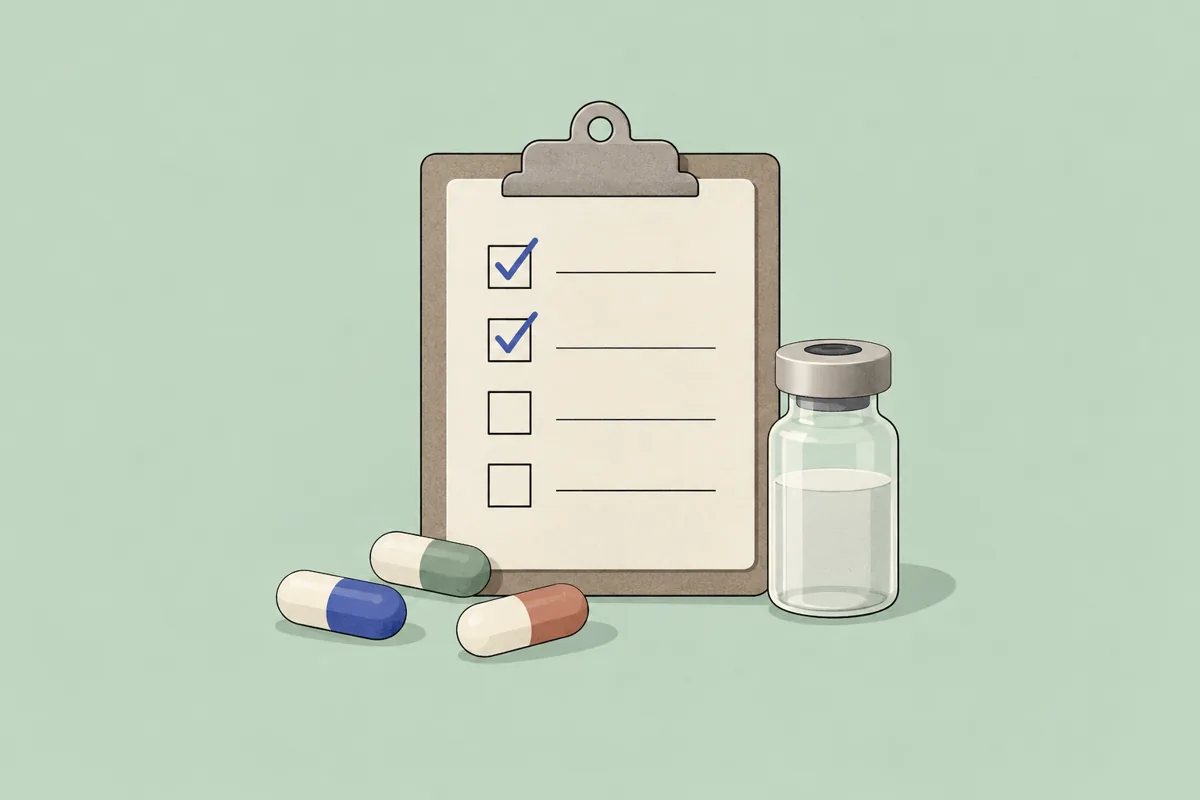
Clinical trials search
Life sciences & medicine · ClinicalTrials.gov

Exoplanets & stars
Astronomy · NASA Exoplanet Archive, Gaia Archive, SIMBAD
- Economic & social statistics
- Fetch an official series once and commit it with its source, so a colleague who reruns the script gets the same numbers.
- Find datasets
- Search DataCite, Zenodo, Dryad, Harvard Dataverse and Hugging Face from the command line and record the DOI in your data README.
- Search papers
- Collect the papers a replication is based on, with DOIs, into a references file next to the code.
- Protein structures
- Get an experimental structure from RCSB PDB or a predicted one from AlphaFold DB, then analyse it with your own script.
- Earthquake & water data
- USGS earthquakes around a point for a period you specify (up to 200 events per call) and stream-gauge readings, ready for analysis code.
- Clinical trials search
- Pull registrations from ClinicalTrials.gov by condition, intervention, phase and status into a table for an evidence review.
- Exoplanets & stars
- Query the NASA Exoplanet Archive and the Gaia catalogue and plot the result in the same session.
Things to ask CodeBuddy
Earthquake & water data
You say to your agent
Use ScholarMuse to get the 200 largest earthquakes since 2008 within 400 km of 31.0 N, 103.4 E. Save the catalogue as CSV and plot magnitude against depth.
Protein structures
You say to your agent
Fetch the experimental structure 6LU7 and write a Biopython script that lists the residues within 4 Å of the bound inhibitor.
Clinical trials search
You say to your agent
List phase 3 trials of GLP-1 receptor agonists for obesity that are recruiting or completed. Export registration number, sponsor, enrolment and primary outcome to a spreadsheet.
Frequently asked questions
Ready to make your agent a better scholar?
Connect once. Papers, data and figures from 50+ sources, in the agent you already use.
Works with compatible AI agents
Data from OpenAlex · Crossref · PubMed · arXiv · NIH · UniProt · PDB · PubChem · NASA · World Bank · USGS · GBIF and more