AI tools for PhD students
For the years between a first literature search and a submitted thesis: your agent searches real papers, checks every reference, finds data and draws the figures.
Capabilities for a thesis
Ordered the way a thesis usually goes: read the field, keep the reference list clean, find data, then draw figures and choose a journal for the first paper.
Search papers
All disciplines · OpenAlex, PubMed / Europe PMC, arXiv +5
Verify references
All disciplines · Crossref, OpenAlex
Retraction checker
All disciplines · Retraction Watch, Crossref
Find datasets
All disciplines · DataCite, Zenodo, Dryad +2
Economic & social statistics
All disciplines · FRED, World Bank, IMF +5

Scientific figure maker
All disciplines · Best-in-class figure model
Journal checker
All disciplines · OpenAlex, DOAJ
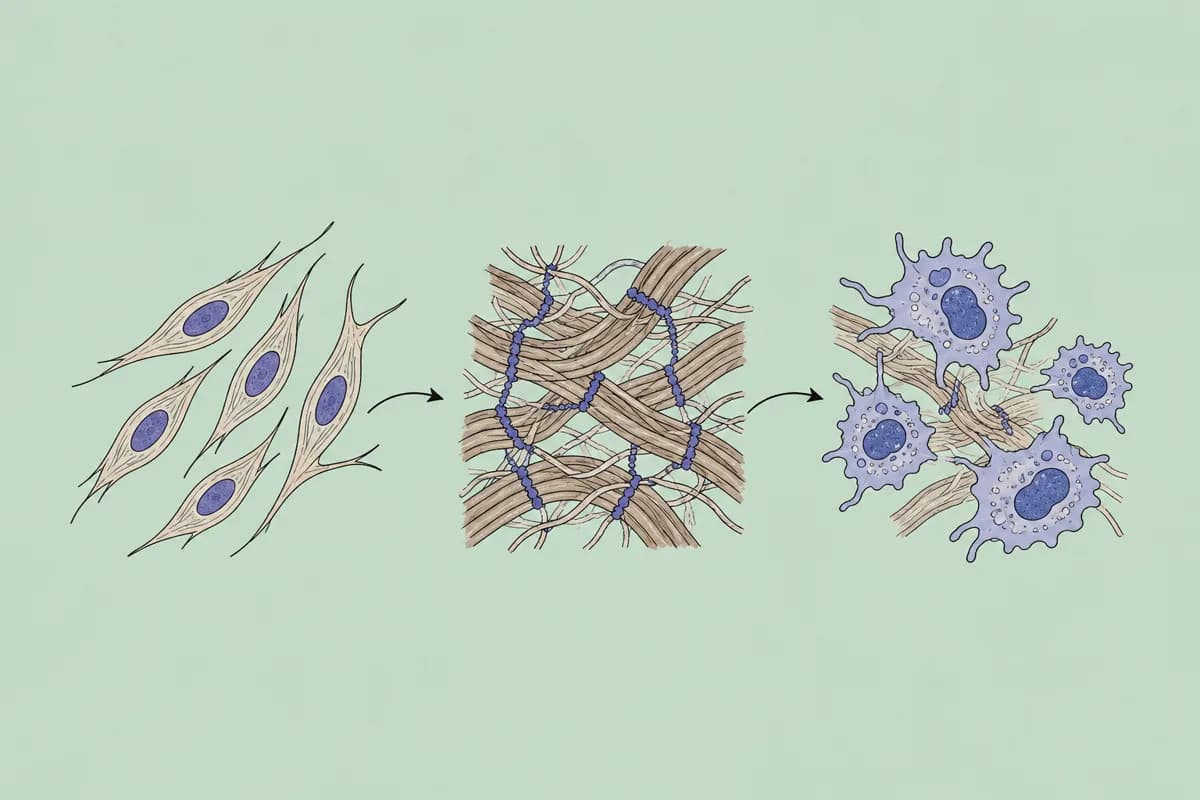
Graphical abstract maker
All disciplines · Best-in-class figure model
- Search papers
- The literature chapter starts here: one search over seven indexes, with links to open-access copies.
- Verify references
- A thesis has hundreds of references. Each one is checked against Crossref, OpenAlex and PubMed before your committee reads it.
- Retraction checker
- Papers you cited in year one may have been retracted by the time you submit.
- Find datasets
- Open data for a pilot analysis or a replication, with licence and DOI.
- Economic & social statistics
- Official series for background sections and for empirical chapters in economics and social science.
- Scientific figure maker
- Schematics of your mechanism, study design or workflow for the thesis and for talks.
- Journal checker
- Before a first submission: is the journal listed in DOAJ, and what does it charge?
- Graphical abstract maker
- For journals that ask for a graphical abstract with the manuscript.
Requests from a PhD student
Search papers
You say to your agent
Find review articles and the most cited papers since 2019 on soil microbiome response to drought. Open access first.
Verify references
You say to your agent
Here is the reference list of chapter 2. Check every entry and tell me which ones you cannot find or have a wrong year, volume or DOI.
Find datasets
You say to your agent
Find open datasets with long-term soil moisture measurements in grasslands that I may reuse in my thesis.
Why an agent, not another app?
You already write and think with Claude or ChatGPT. There is no other app to switch to: you add academic data tools to the agent you have.
Over MCP (Model Context Protocol) the agent queries academic databases directly, and the records it gets back carry their source and licence, so you can check them.
Frequently asked questions
Ready to make your agent a better scholar?
Connect once. Papers, data and figures from 50+ sources, in the agent you already use.
Works with compatible AI agents
Data from OpenAlex · Crossref · PubMed · arXiv · NIH · UniProt · PDB · PubChem · NASA · World Bank · USGS · GBIF and more