Research tools for Qwen Code
One qwen mcp add command and a browser sign-in. Qwen Code can then look up genes, protein structures, compounds and materials while it writes your bioinformatics or screening scripts.
How to connect ScholarMuse to Qwen Code
One command, then a sign-in from the /mcp dialog. The steps follow the Qwen Code documentation. The sign-in needs a browser on the same computer that runs qwen.
Step 1
Add the server
Run this in a terminal. It registers ScholarMuse for your user account, so it is available in every project. The entry is saved in ~/.qwen/settings.json.
qwen mcp add --transport http --scope user scholarmuse https://scholarmuse.ai/mcpStep 2
Authenticate from /mcp
Start qwen and type /mcp. Select scholarmuse in the dialog and authenticate. Qwen Code finds the sign-in address and registers itself with the server, so there is nothing to fill in.
Step 3
Approve in your browser
A scholarmuse.ai window opens. Sign in, approve access and choose which discipline packs Qwen Code may use. There is no API key to create or paste.
Step 4
Check that it works
Ask Qwen Code to list the ScholarMuse capabilities and show three things it can now do for your research. If the server is not shown as connected, restart qwen and open /mcp again.
What Qwen Code can look up from the terminal
This page leans towards life science and chemistry: records that a pipeline joins on identifiers, followed by the datasets and papers behind the methods.
 New
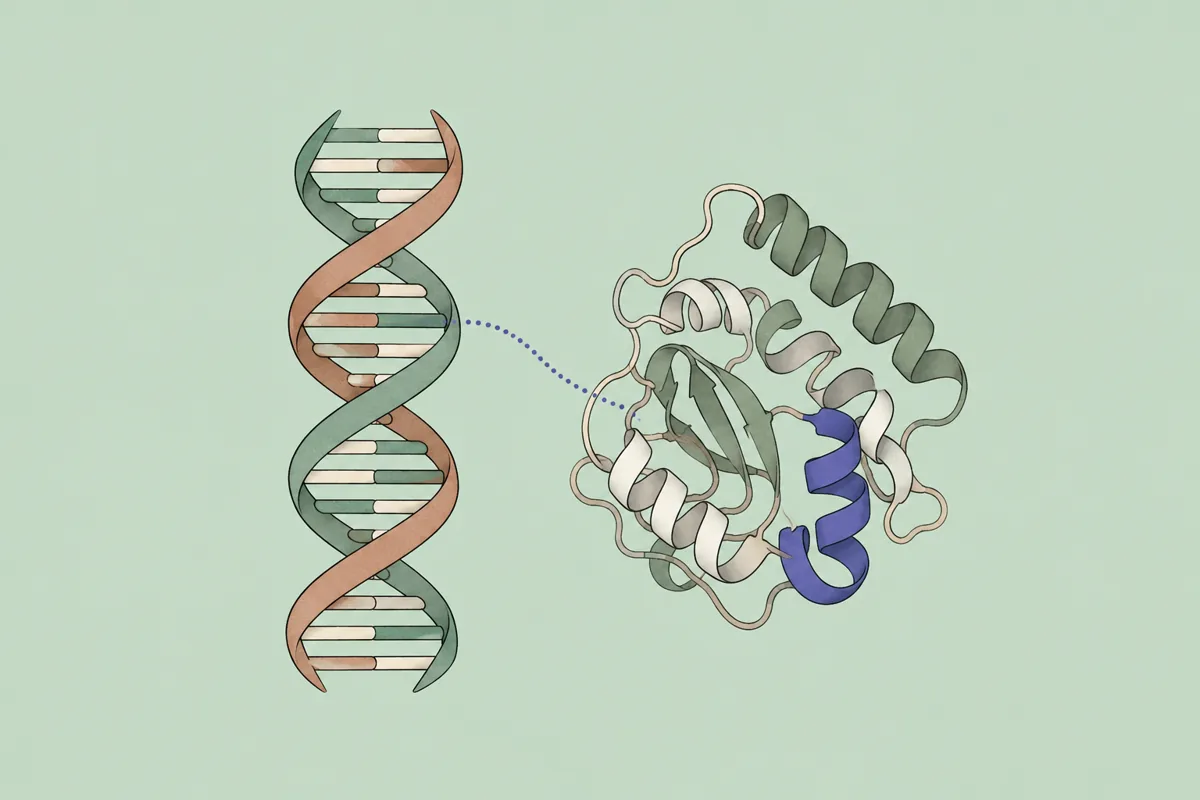
NewGene & protein lookup
Life sciences & medicine · NCBI Gene, Ensembl, UniProt +5
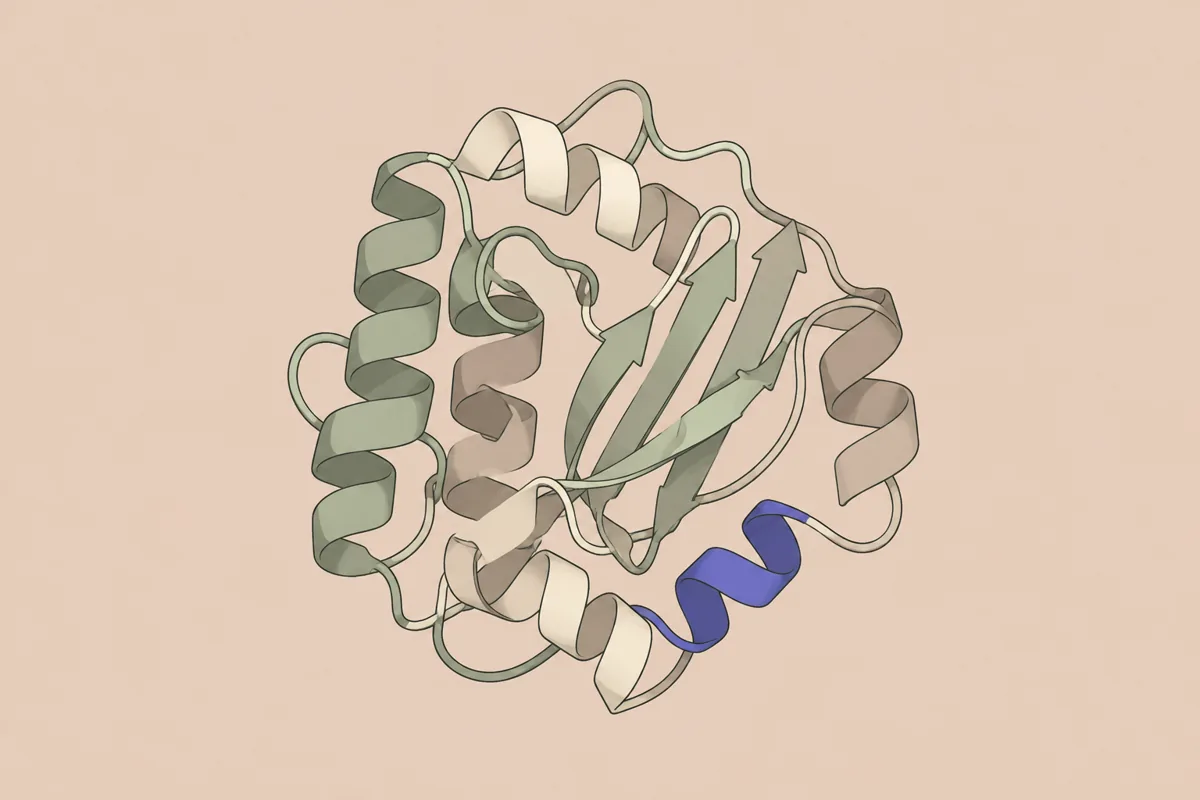
Protein structures
Life sciences & medicine · RCSB PDB, AlphaFold DB
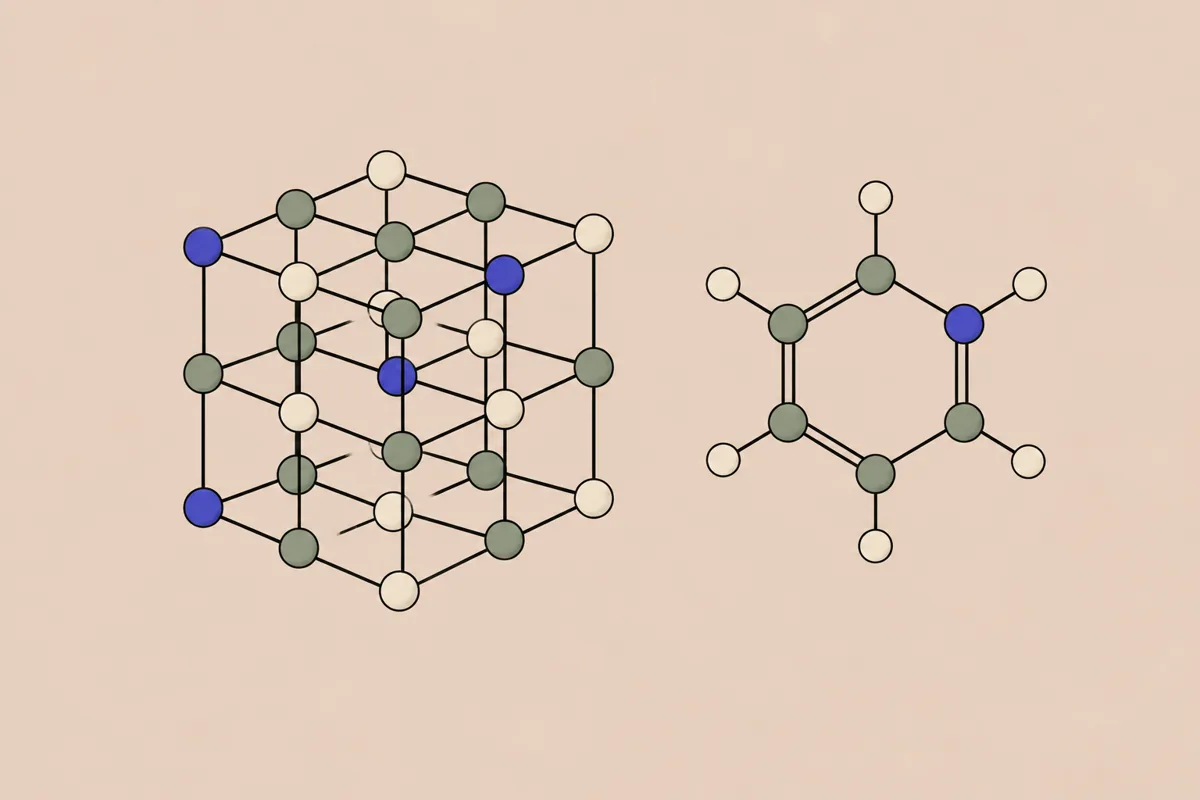
Compounds & materials
Chemistry & materials · PubChem, ChEBI, Materials Project +2
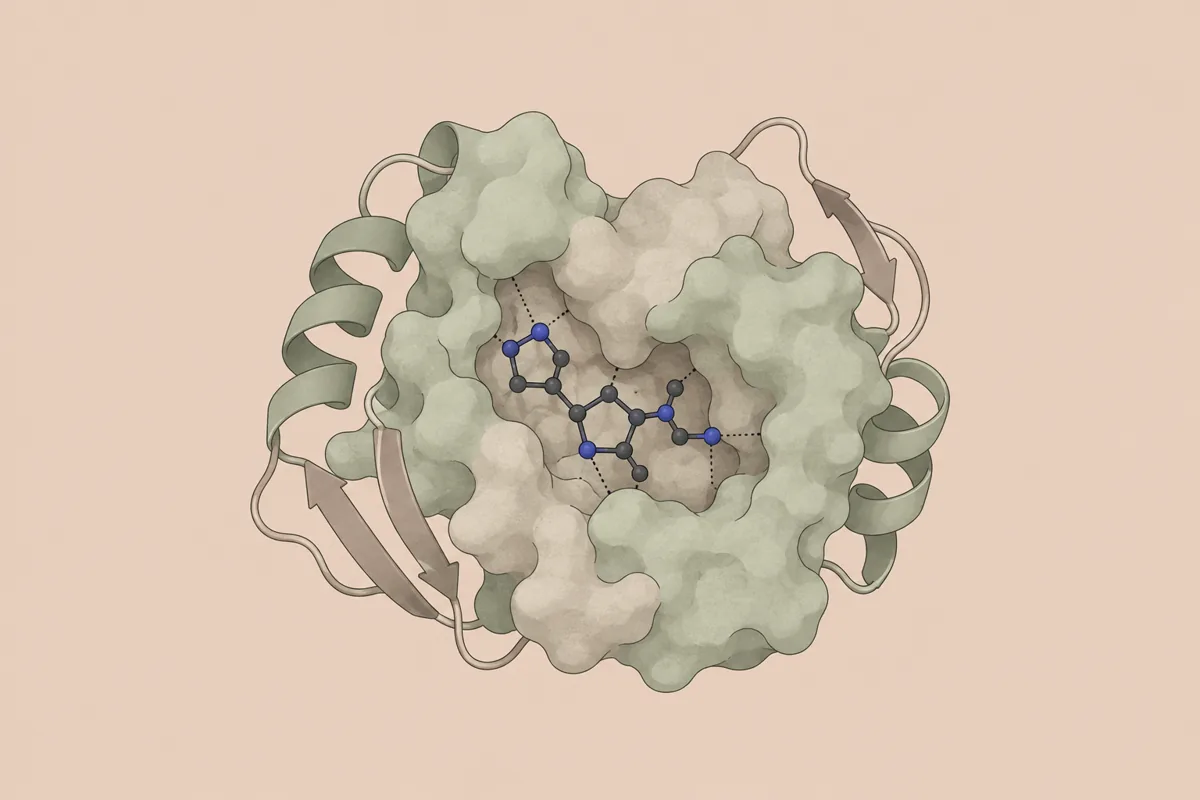
Drugs & targets
Life sciences & medicine · ChEMBL, openFDA
Clinical trials search
Life sciences & medicine · ClinicalTrials.gov

Find datasets
All disciplines · DataCite, Zenodo, Dryad +2

Search papers
All disciplines · OpenAlex, PubMed / Europe PMC, arXiv +5
- Gene & protein lookup
- Turn a column of gene symbols into function, pathway and tissue-expression annotations without writing a client for each database.
- Protein structures
- Experimental entries from RCSB PDB and predicted models from AlphaFold DB, fetched by identifier into the working directory.
- Compounds & materials
- Compound identifiers and properties, and crystal data such as band gap and stability, as the input table of a screening script.
- Drugs & targets
- Targets and bioactivity values from ChEMBL to label a compound set before modelling.
- Clinical trials search
- ClinicalTrials.gov records by condition, intervention and phase, as rows for a landscape table.
- Find datasets
- Find the deposited data behind a paper, or a public benchmark, with its repository, format and licence.
- Search papers
- Find the methods paper for a tool in your pipeline, with a DOI to put in the script header.
Things to ask Qwen Code
Gene & protein lookup
You say to your agent
results/de_genes.csv has the 40 most upregulated genes from my RNA-seq run. Use ScholarMuse to add function, pathways and tissue expression for each, and write the annotated table to results/de_genes_annotated.csv.
Protein structures
You say to your agent
Get the experimental structures available for human EGFR and the AlphaFold model, save them under structures/, and write a Python script that reports resolution and residue coverage for each file.
Compounds & materials
You say to your agent
candidates.txt lists eight oxide formulas. Look up band gap and stability for each with ScholarMuse, write the results to screening.csv, and keep the ones with a band gap between 1.5 and 3 eV.
Frequently asked questions
Ready to make your agent a better scholar?
Connect once. Papers, data and figures from 50+ sources, in the agent you already use.
Works with compatible AI agents
Data from OpenAlex · Crossref · PubMed · arXiv · NIH · UniProt · PDB · PubChem · NASA · World Bank · USGS · GBIF and more