Research tools for Qoder
Add ScholarMuse to Qoder CLI, the Qoder desktop app or Qoder IDE and sign in once in your browser. Qoder can then bring official statistics, open datasets and field records into the analysis project you are working on.
How to connect ScholarMuse to Qoder
The steps follow Qoder’s documentation. Qoder CLI and the Qoder desktop app share one settings file, so adding the server in either is enough. Qoder CLI has shell and web tools, so pasting “Read https://scholarmuse.ai/install/agent.md and follow the instructions to connect ScholarMuse” into it should also work.
Step 1
Qoder CLI: add the server to settings.json
Put this entry under mcpServers in ~/.qoder/settings.json and keep any entries that are already there. Then type /mcp in Qoder CLI: scholarmuse shows “Needs authentication”, and you start the sign-in from that list.
{
  "mcpServers": {
    "scholarmuse": {
      "type": "http",
      "url": "https://scholarmuse.ai/mcp"
    }
  }
}
Step 2
Qoder desktop app: add a custom MCP
Open Extensions → Connectors → Add Connector → Add custom MCP. Fill in the form with this address, or paste the JSON from the step above. The app saves it to the same ~/.qoder/settings.json.
https://scholarmuse.ai/mcpStep 3
Qoder IDE: add it under My Servers
Open Settings → MCP → My Servers → + Add and paste the JSON from the first step. Qoder’s documentation does not describe browser sign-in for the IDE. If no sign-in opens, use this configuration instead: a small local program does the sign-in and passes the connection on. It needs Node.js 18 or later.
{
  "mcpServers": {
    "scholarmuse": {
      "command": "npx",
      "args": [
        "-y",
        "mcp-remote",
        "https://scholarmuse.ai/mcp"
      ]
    }
  }
}
Step 4
Approve in your browser
A scholarmuse.ai window opens. Sign in, approve access and choose which discipline packs Qoder may use. There is no API key to create or paste.
Step 5
Check that it works
Ask Qoder to list the ScholarMuse capabilities and name three things it can now do for your project. If the tools do not appear, restart Qoder and ask again.
What Qoder can bring into a project
Qoder works across a whole project, so the list starts with data for empirical work in economics, ecology and earth science and ends with the checks a methods section and a .bib file need.
Economic & social statistics
All disciplines · FRED, World Bank, IMF +5
Find datasets
All disciplines · DataCite, Zenodo, Dryad +2
Species occurrence
Earth & environment · GBIF
 New
NewHistorical weather data for any place
Earth & environment · NASA POWER
Earthquake & water data
Earth & environment · USGS
Search papers
All disciplines · OpenAlex, PubMed / Europe PMC, arXiv +5
Verify references
All disciplines · Crossref, OpenAlex
- Economic & social statistics
- Country and year panels for a regression, fetched with unit and source so the notebook does not depend on a hand-edited spreadsheet.
- Find datasets
- Find the replication data for a paper, or an open dataset for a new question, and see the licence before Qoder writes any loading code.
- Species occurrence
- GBIF occurrence records with coordinates and dates, the starting table for a distribution model or a range map.
- Historical weather data for any place
- Daily temperature and precipitation at each study site, to join with field observations by date.
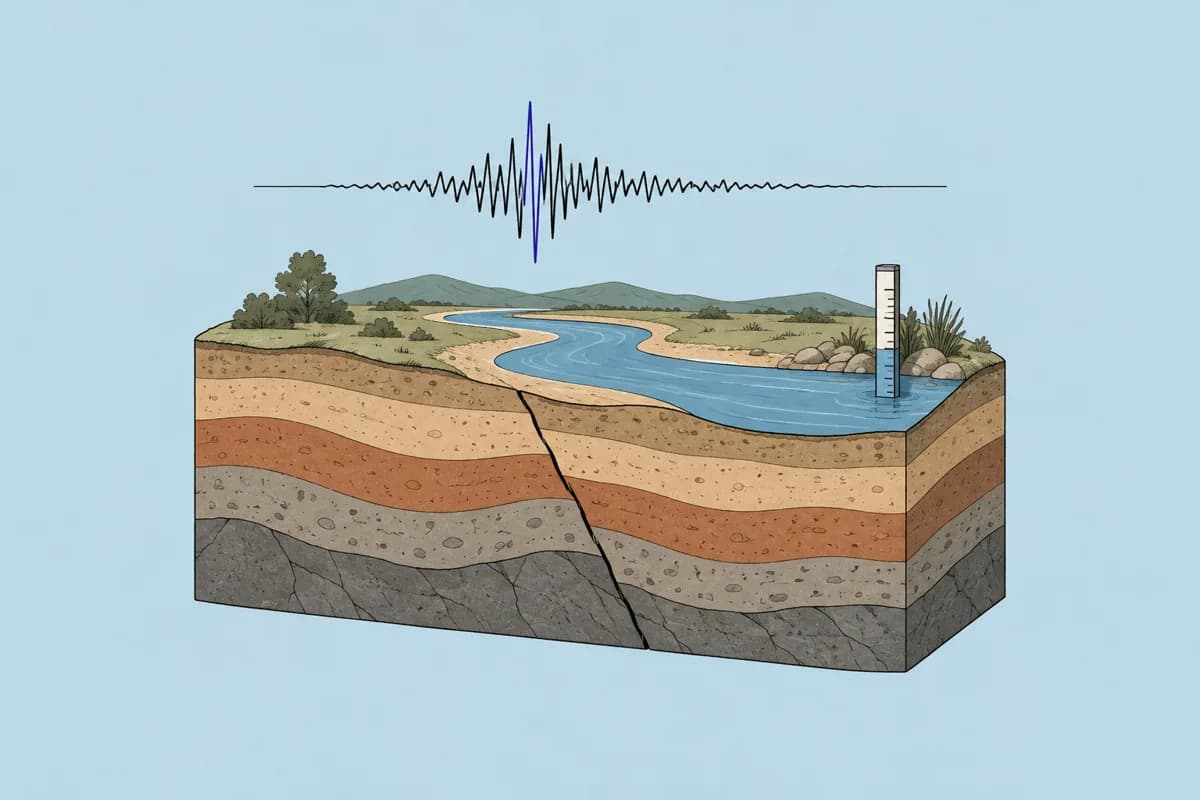
- Earthquake & water data
- USGS stream-gauge readings and earthquake catalogues for hydrology and hazard projects.
- Search papers
- Look up the paper that defines an estimator or an index before Qoder implements it, and keep the DOI in the code comments.
- Verify references
- Point Qoder at the .bib file in the repository and have every entry checked against the scholarly indexes.
Things to ask Qoder
Economic & social statistics
You say to your agent
Use ScholarMuse to build a panel of GDP per capita, trade as a share of GDP and the unemployment rate for the ten ASEAN countries from 1995 to 2023. Save it as data/panel.csv and write a notebook with a fixed-effects regression.
Species occurrence
You say to your agent
Fetch occurrence records of Ailuropoda melanoleuca since 2000, drop records without coordinates, and write an R script that maps them and exports a clean table for a distribution model.
Verify references
You say to your agent
Check every entry in paper/refs.bib with ScholarMuse. Fix wrong years, pages and DOIs in the file and list the entries you could not find.
Frequently asked questions
Ready to make your agent a better scholar?
Connect once. Papers, data and figures from 50+ sources, in the agent you already use.
Works with compatible AI agents
Data from OpenAlex · Crossref · PubMed · arXiv · NIH · UniProt · PDB · PubChem · NASA · World Bank · USGS · GBIF and more